
Network Solutions
Wired and wireless networks planned around the way your site actually works.
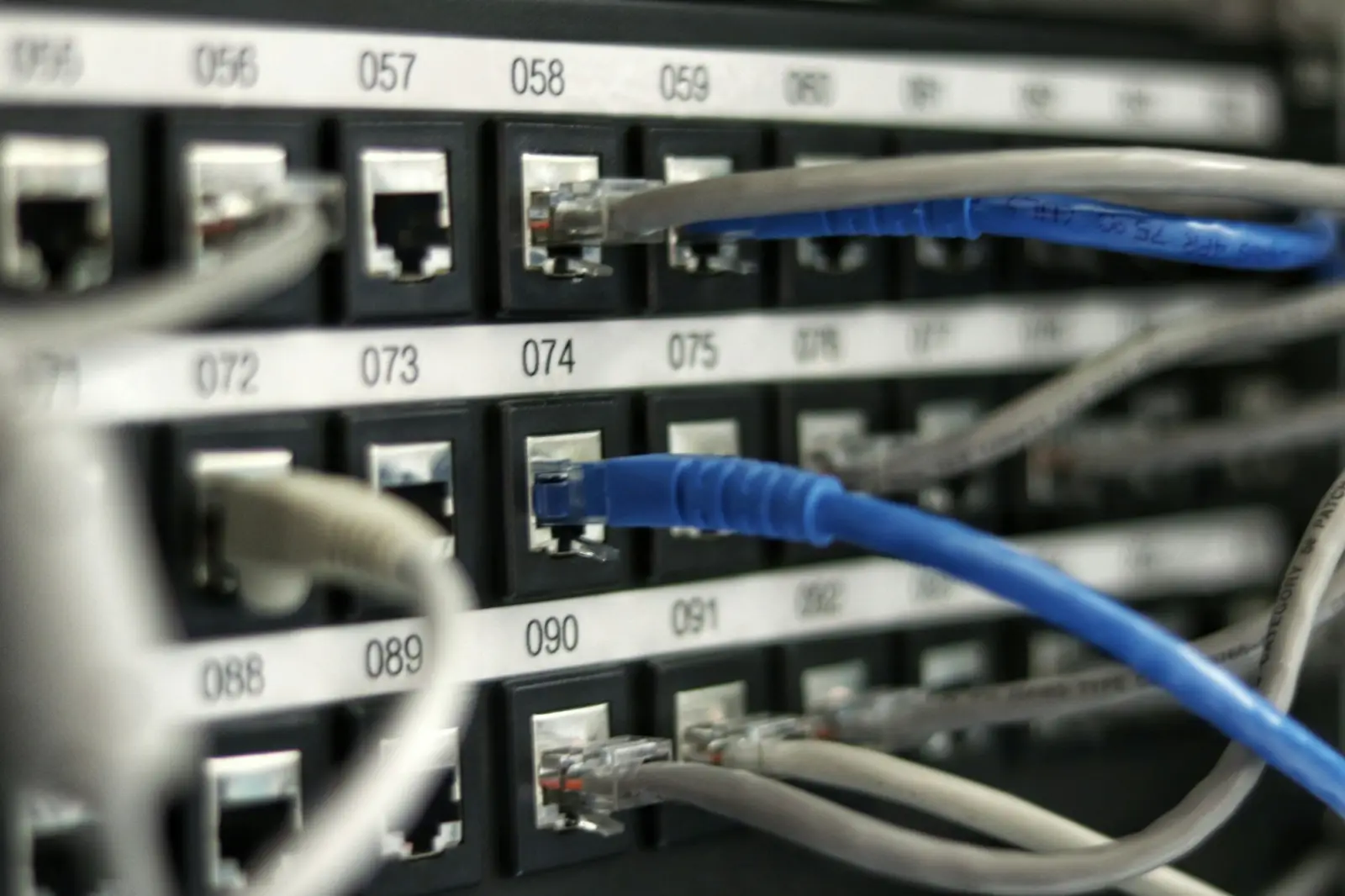
Overview
Understanding Network Solutions
Every modern workplace runs on its network. Computers, phones, printers, cameras, access points, servers and cloud applications all depend on the same underlying infrastructure to exchange information. When that infrastructure is planned well, people rarely think about it. When it is not, slow connections, dead zones and unexplained outages quickly become part of everyday work.
Network solutions cover the design and implementation of this infrastructure: the physical cabling, the switches and routers that direct traffic, the wireless coverage that keeps mobile devices connected, and the internet connectivity that links a site to the outside world.
Challenges addressed
Problems this service area can help with
Common situations organisations face that this service area is designed to address.
-
01
Slow or inconsistent connections
Networks that have grown piece by piece often carry more traffic than they were designed for, leading to slowdowns at busy times.
-
02
Wi-Fi dead zones
Walls, floors, glass and metal structures weaken wireless signals, leaving parts of a building with weak or no coverage.
-
03
Untidy, undocumented cabling
Unlabelled cables and crowded racks make faults harder to trace and changes riskier to carry out.
-
04
No room to grow
Adding users, devices or a new floor becomes difficult when the original network had no spare capacity.
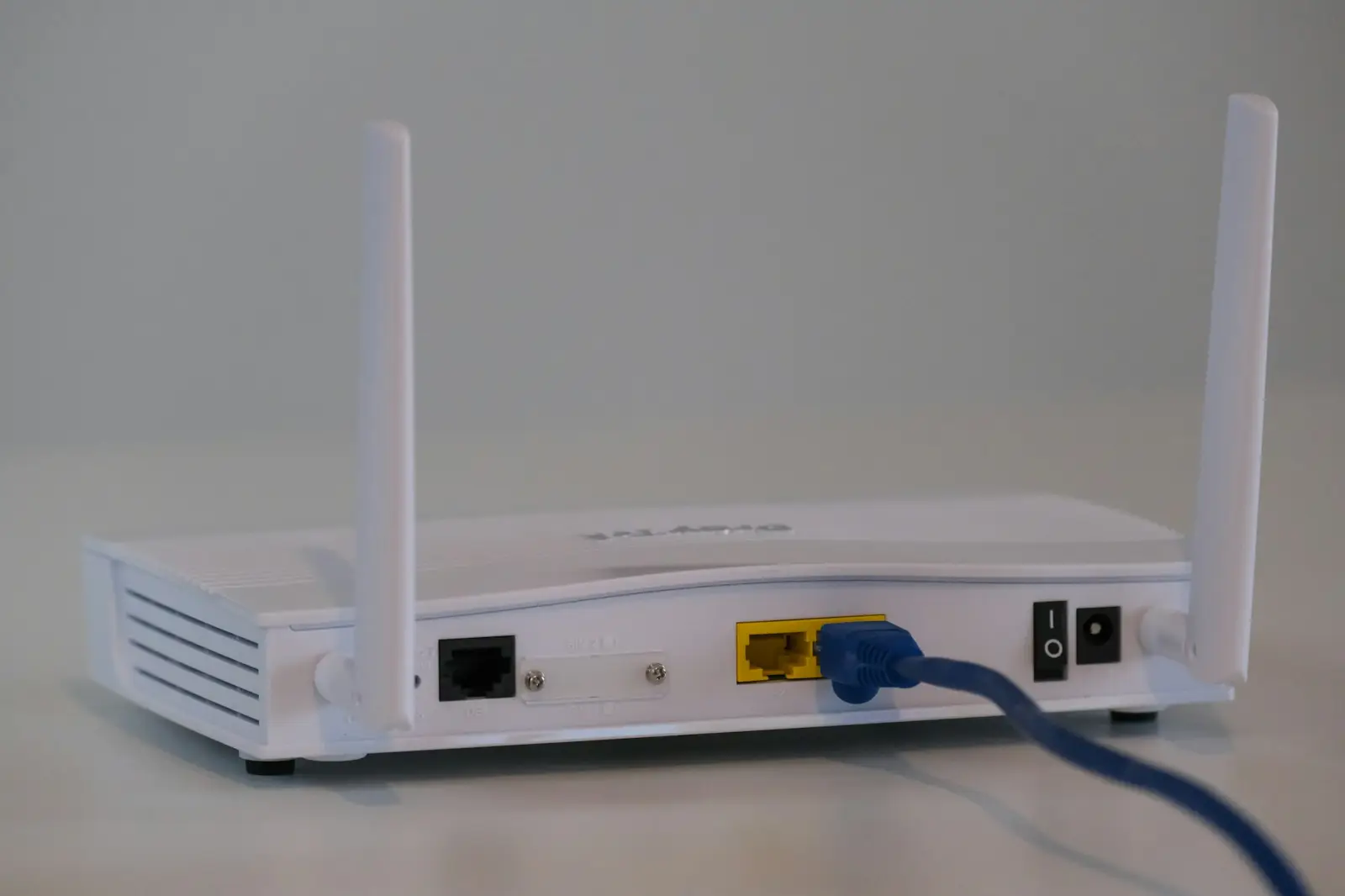
Key components
Key building blocks
- Structured cabling
- An organised system of copper and fibre cabling, patch panels and outlets that provides a reliable physical foundation for data and voice.
- Local area network (LAN)
- Switches connect devices within a building or campus and can separate traffic into segments for different departments or uses.
- Wireless networks (Wi-Fi)
- Access points are positioned to provide coverage where people actually work, meet and move around.
- Routing and internet connectivity
- Routers and gateways connect the internal network to internet services and, where needed, to other sites.
- Network segmentation
- Separating guest, staff, camera and equipment traffic can help with performance, management and security.
- Rack and cabinet organisation
- Neatly arranged racks with labelled connections make day-to-day maintenance faster and safer.
Applications
Typical applications
-
01
Offices
Connecting workstations, meeting rooms, printers and phones across one or more floors.
-
02
Industrial and warehouse sites
Extending connectivity across large floor areas, mezzanines and outdoor yards.
-
03
Retail and hospitality
Supporting point-of-sale systems, guest Wi-Fi and back-office operations.
-
04
Education and training spaces
Providing coverage for classrooms, labs and shared areas with many simultaneous users.
Planning & implementation
What to consider before you start
Good outcomes depend on early decisions. These are the questions worth working through when planning this type of work for a site.
-
1
Site survey
Understanding the building layout, construction materials, cable routes and equipment locations.
-
2
Users and devices
Estimating how many people and devices will connect, now and in the foreseeable future.
-
3
Applications in use
Video calls, cloud software, cameras and file transfers each place different demands on a network.
-
4
Wireless coverage
Planning access point positions based on room sizes, obstacles and expected usage.
-
5
Documentation
Recording cable runs, port assignments and configurations so the network can be maintained easily.
Benefits
Why it matters
- A dependable foundation for every connected system on site
- Clearer, more organised infrastructure that is easier to maintain
- Coverage that reflects how spaces are actually used
- Capacity planned with future growth in mind
- Simpler troubleshooting thanks to labelled, documented connections
Surat & Bharuch
Network Solutions in Surat and Bharuch
Planning a new office network, structured cabling or better Wi-Fi coverage for a site in Surat, Bharuch or elsewhere in Gujarat? Contact our Surat head office or Bharuch branch office to talk through your building, users and devices.
FAQs
Frequently asked questions
General answers about Network Solutions. For questions about your own site, please get in touch.
What is structured cabling?
Structured cabling is a standardised way of organising the cables in a building. Instead of running individual cables directly between devices, cables run from outlets to a central patch panel, which makes connections easier to manage, change and troubleshoot.
Is Wi-Fi enough, or do we still need cabled connections?
Most sites benefit from both. Wi-Fi offers flexibility for laptops and mobile devices, while cabled connections are generally preferred for fixed equipment such as desktop computers, access points, cameras and servers.
Why does Wi-Fi coverage vary from room to room?
Wireless signals weaken as they pass through walls, floors and certain materials such as concrete, glass and metal. Access point placement and the number of access points have a major effect on coverage.
Can an existing network be expanded rather than replaced?
Often, yes. Whether expansion is practical depends on the condition of the existing cabling and equipment and how much spare capacity is available. A review of the current setup is usually the first step.
Related services
Often considered together



This page explains Network Solutions in general terms. The specific scope, equipment and approach for any site are confirmed after discussing requirements with Microtel Netlinks.

Get in touch
Discuss Network Solutions for your site
Tell us about your premises and what you need. Contact Microtel Netlinks by phone, email or the enquiry form.