
Audio Video Solution
Clear sound and sharp visuals for meeting rooms, conference spaces and presentations.
Overview
Understanding Audio Video Solution
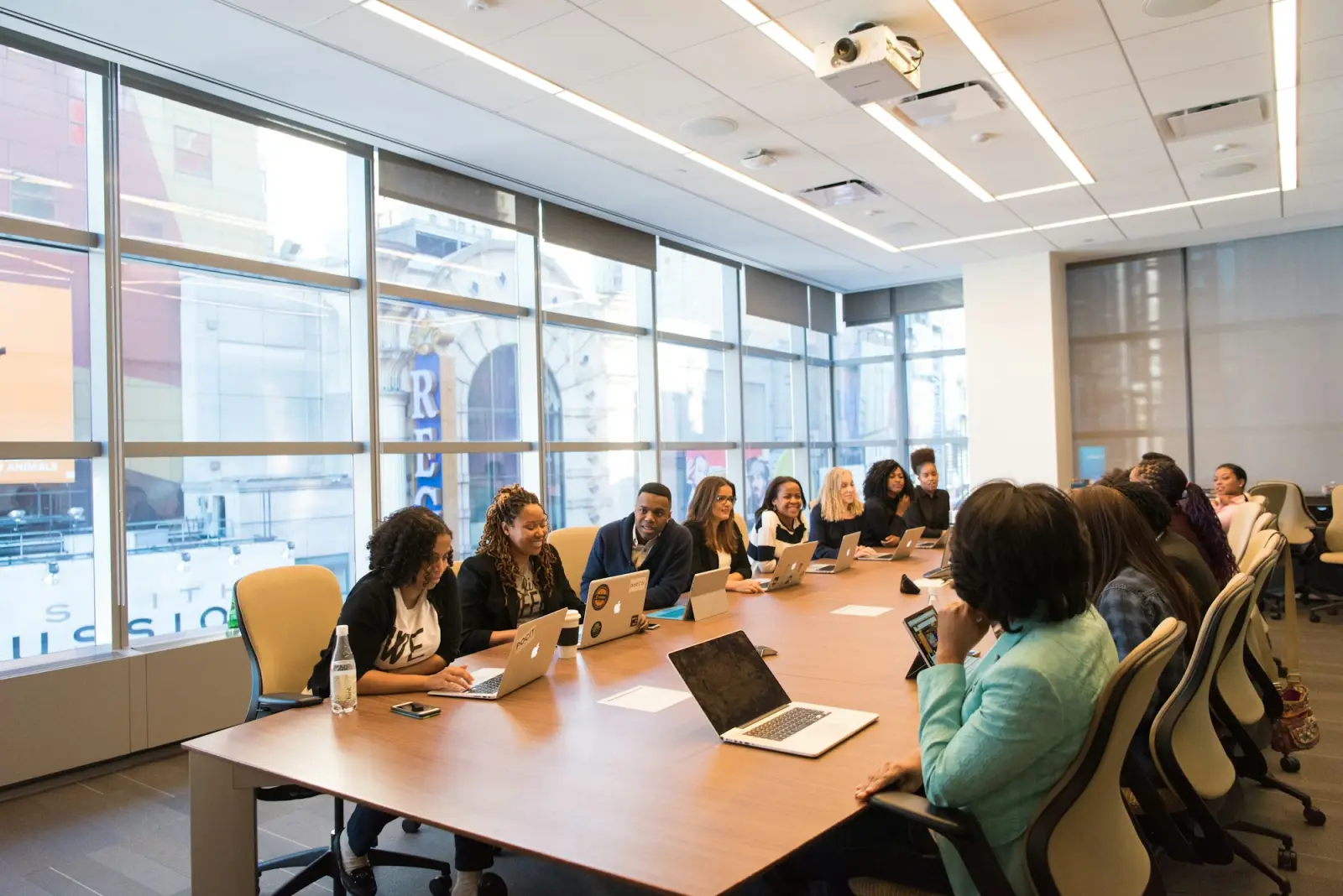
Meetings, presentations and training sessions depend on people being able to see and hear clearly, whether they are in the room or joining remotely. An audio video (AV) solution brings together the displays, projectors, microphones, speakers, cameras and connections that make this possible.
A well-designed AV setup is simple to use. Presenters should be able to connect a laptop, start a video call or share content without searching for cables or adjusting settings, so the meeting can start on time and focus on the discussion.
Challenges addressed
Problems this service area can help with
Common situations organisations face that this service area is designed to address.
-
01
Meetings that start late
Time is lost connecting laptops, finding the right input or getting a call to work.
-
02
Poor audio on calls
Remote participants struggle to hear when microphones are too few or poorly placed.
-
03
Content that is hard to see
Screens that are too small or poorly positioned make presentations difficult to follow.
-
04
Inconsistent rooms
Each room working differently makes it harder for people to use the equipment confidently.
Key components
Key building blocks
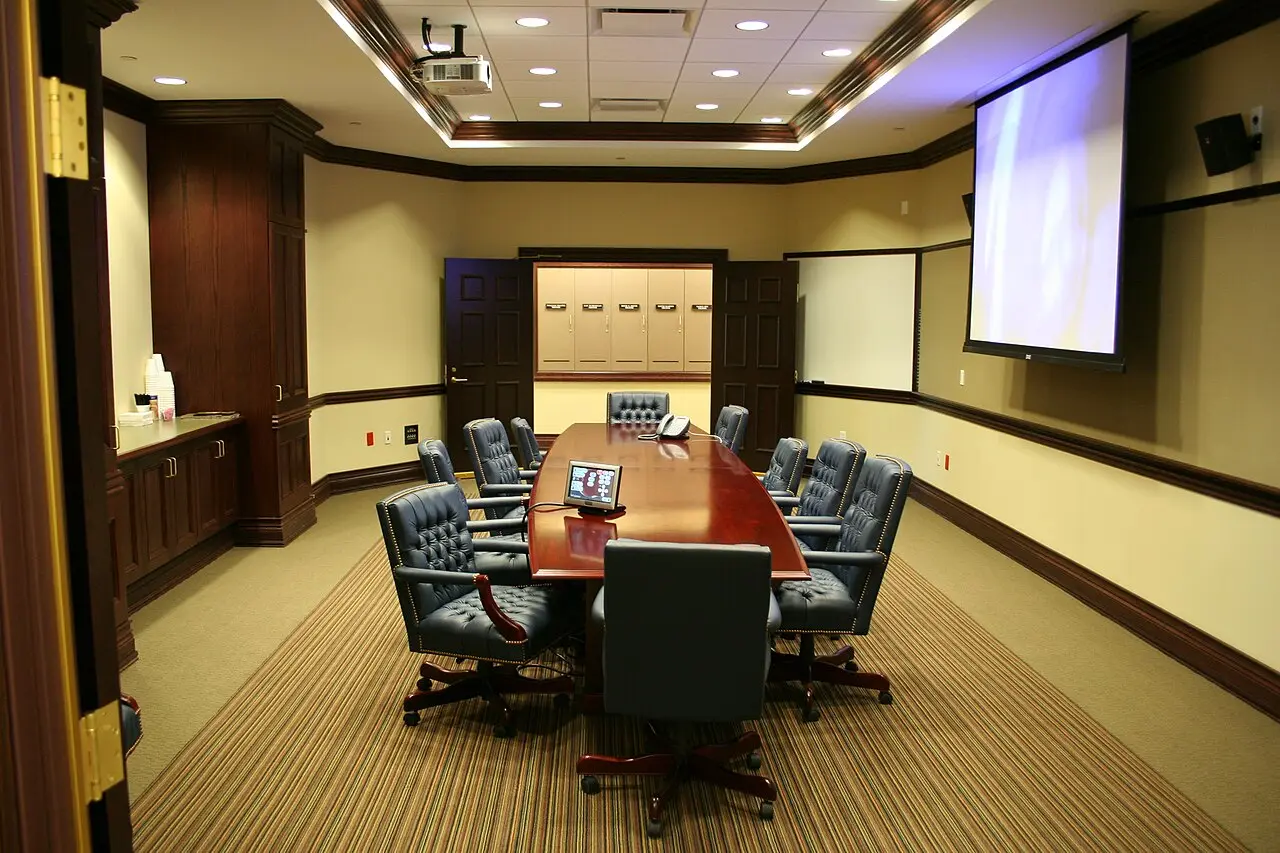
- Displays and projectors
- Large-format displays or projectors and screens sized for the room and viewing distance.
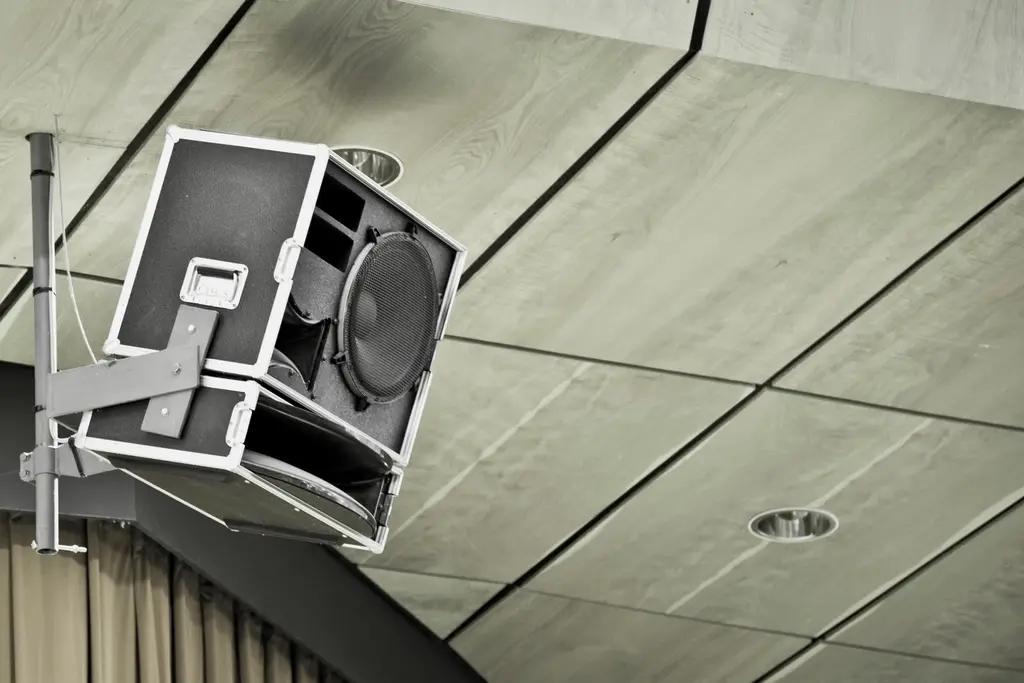
- Microphones and speakers
- Table, ceiling or handheld microphones and speakers that let everyone hear and be heard.
- Conferencing cameras
- Cameras positioned to show participants clearly to people joining remotely.
- Connectivity and switching
- Wired and wireless options for connecting laptops and switching between sources.
- Room control
- Simple controls for power, volume, inputs and lighting where required.
- Cabling and mounting
- Neat cable management and secure mounting for screens, cameras and speakers.
Applications
Typical applications
-
01
Meeting and board rooms
Presentations and video calls for small and large meetings.
-
02
Training rooms and classrooms
Displaying content clearly to groups and supporting remote attendees.
-
03
Halls and auditoriums
Sound and visuals for larger audiences and events.
-
04
Collaboration spaces
Shared screens for quick team discussions and content sharing.
Planning & implementation
What to consider before you start
Good outcomes depend on early decisions. These are the questions worth working through when planning this type of work for a site.
-
1
Room size and seating
Determining screen size, microphone coverage and speaker placement from the room layout.
-
2
Acoustics
Considering echo, background noise and hard surfaces that affect audio quality.
-
3
How rooms are used
Understanding whether rooms host presentations, video calls, training or a mix.
-
4
Connecting devices
Deciding which laptop connections and wireless presentation options are needed.
-
5
Ease of use
Keeping controls simple so anyone can start a meeting without help.
Benefits
Why it matters
- Meetings and presentations start with less delay
- Clearer audio for people in the room and on calls
- Content that everyone can see comfortably
- A consistent experience across rooms
- Spaces that support both in-person and remote participants
Surat & Bharuch
Audio Video Solution in Surat and Bharuch
Setting up meeting rooms, a boardroom or a training space in Surat, Bharuch or elsewhere in Gujarat? Contact our Surat head office or Bharuch branch office to discuss displays, audio and video conferencing for your rooms.
FAQs
Frequently asked questions
General answers about Audio Video Solution. For questions about your own site, please get in touch.
Should we choose a display or a projector?
Displays generally offer brighter images that work well in rooms with daylight, while projectors can create larger images at a lower cost per size. The choice depends on room size, lighting and how the space will be used.
Why is audio so important for video calls?
Remote participants rely entirely on the room’s microphones and speakers. Poor audio makes discussions hard to follow even when the video is clear, so microphone coverage and acoustics deserve careful attention.
What is wireless presentation?
Wireless presentation lets users share their laptop or mobile screen on the room display without connecting a cable, which can make meetings quicker to start.
Can one room serve in-person meetings and video calls?
Yes. Many meeting rooms are set up for both, with a display, camera, microphones and speakers that work together for hybrid meetings.
Related services
Often considered together

This page explains Audio Video Solution in general terms. The specific scope, equipment and approach for any site are confirmed after discussing requirements with Microtel Netlinks.

Get in touch
Discuss Audio Video Solution for your site
Tell us about your premises and what you need. Contact Microtel Netlinks by phone, email or the enquiry form.